In Side Project
Building the Singline Waitlist Page
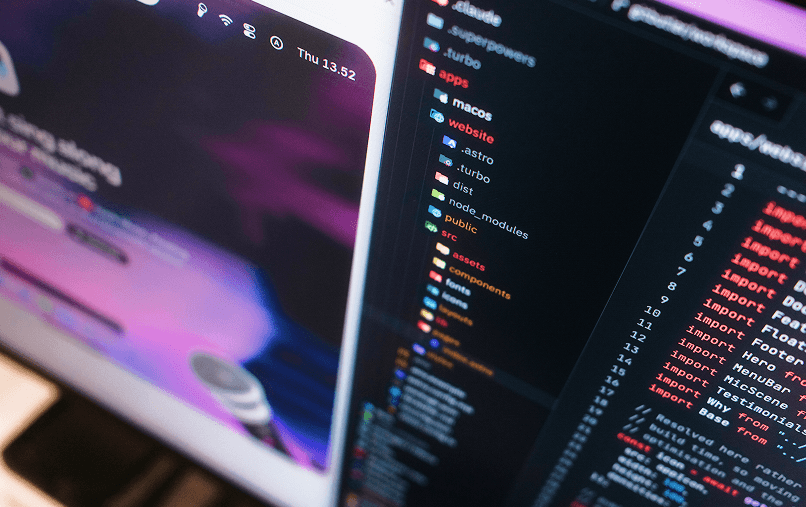
For the past few weeks, I having so much fun tinkering with Singline, a macOS app that shows synchronized lyrics for whatever is playing on Spotify or Apple Music. Whether you want it floating over your active workspace, nestled in the menu bar, tucked beneath the notch, or expanded into a full karaoke window, the app adapts to your workflow.
If you follow me on X, you have probably seen me sharing work-in-progress designs of the floating panel, the notch pill, other design as well. Eventually, I realized I needed to stop simply posting screenshots and give people a way to sign up, so I spent a weekend building the landing page at afnizarnur.com/singline.
Why a subpath instead of a new domain?
I used to buy domains for almost every side project idea. Usually, buying the domain gave me a false sense of progress, I would lose momentum, and a year later I would be stuck paying renewal fees for projects I never shipped.
This time, I wanted to by building on my personal domain first, and only buy a dedicated domain if the project actually gets traction. In this economy, we need to mindful about where the budget goes, right?
There are also some practical reasons to keep it under afnizarnur.com/singline:
- It piggybacks off my existing domain authority instead of starting from zero SEO.
- I don’t have to manage DNS records and renewals across multiple list of domain in my Cloudflare’s domain.
- A clean subpath feels nicer to share than a random subdomain
It sounds simple enough on paper, but running two separate repositories and frameworks under the same URL path came with a few quirks.
Routing Astro and Next.js Together
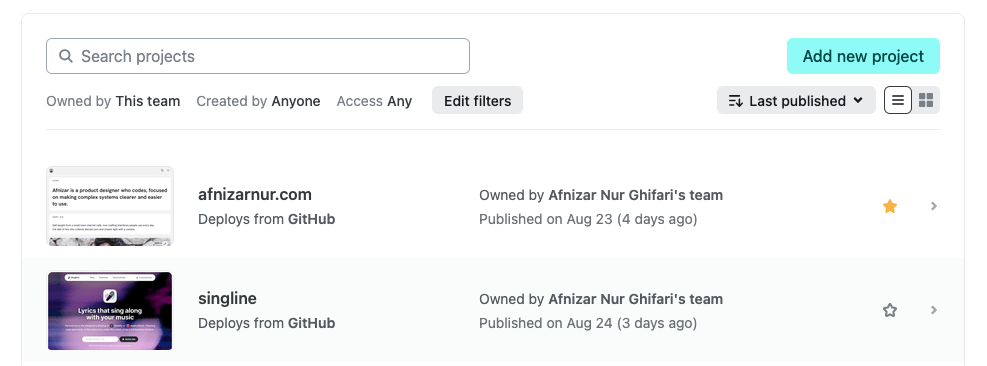
My main portfolio runs on Next.js in its own repository, hosted on Netlify. The Singline landing page, on the other hand, is built with Astro inside the Singline app's monorepo.
Why not just stick with Next.js like the main site?
A few reasons:
- Monorepo convenience: Singline already lives in its own repo with its own architecture, dependencies, and styles. Keeping the marketing site right next to the app code made way more sense than forcing it into my portfolio repo.
- Build times: As my Next.js site grew, builds started taking noticeably longer. Astro builds are practically instant by comparison.
- Netlify overhead: My Next.js setup relies heavily on serverless functions, which chewed through unnecessary bandwidth and build minutes just to serve what should be static pages.
Astro let me ship a pure static build that stays lean, fast, and completely isolated from my main portfolio.
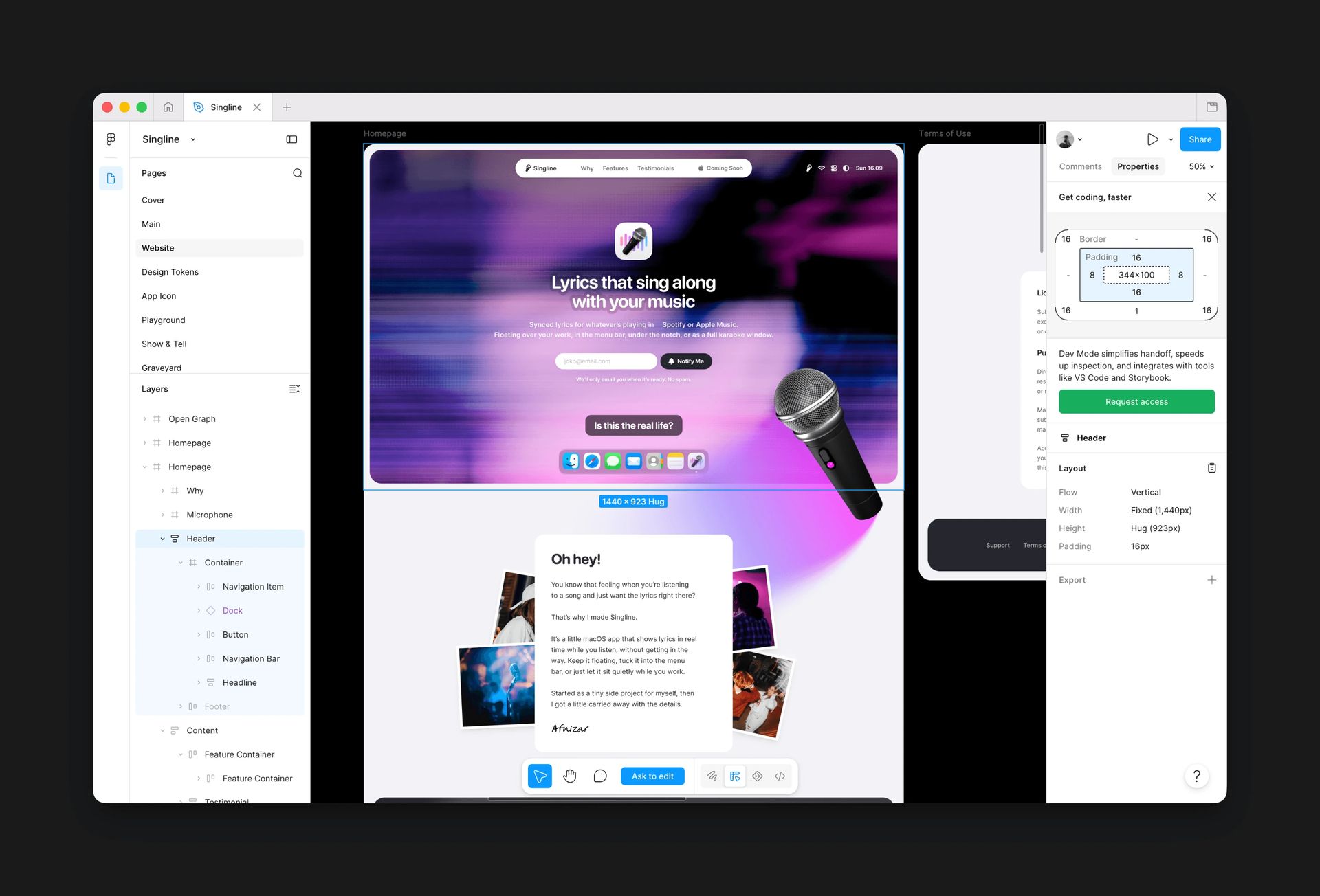
Syncing Figma Tokens with Terrazzo
The landing page runs on Astro + Tailwind, but the real magic is keeping the design consistent across the site and the macOS app.
My workflow now revolves around Figma as the single source of truth. I design directly in Figma using variables, then use Figma MCP to convert those designs into code. This way, I can define styles that align with the Singline brand from the start, rather than reverse-engineering them later.
For the actual token pipeline, I use Terrazzo to transform Figma variables into native CSS variables. Colors, spacing, typography and everything lives in Figma first, then gets exported to a shared tokens.css file.
When I tweak a token upstream, running the export script updates the stylesheet everywhere. No more hunting down hardcoded hex values or worrying about drift between the app and the landing page.
Interactive Three.js Hero Microphone
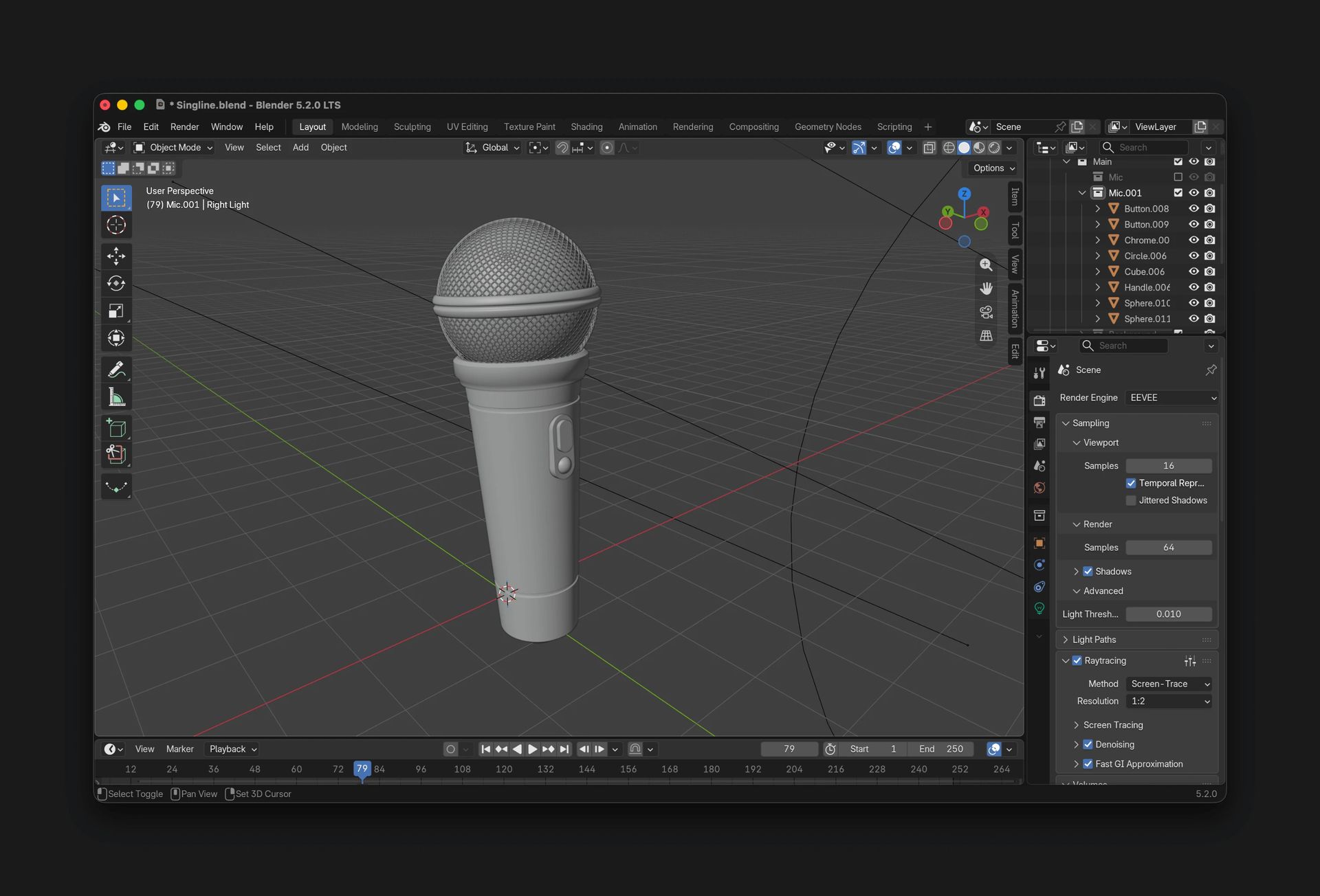
The hero section centers around an interactive 3D microphone built with Three.js. I modeled it in Blender, exported it as a .glb file, then compressed it with Meshoptimizer down to roughly 250 KB so it wouldn't tank load times.
public/models/singline-mic.glb (~250 KB via meshopt)
To keep things performant and accessible, the model only loads on desktop when WebGL is available and reduced-motion preferences aren't enabled. Mobile visitors get a static image instead.
On desktop, you can click and drag the mic to rotate it across pitch, yaw, and roll axes. Behind the scenes, a simple shader casts a gradient glow that follows the mic's movement, making it feel like one cohesive object. The mic deliberately spills past the card boundaries onto the page background that was the whole point.
If you want to inspect the 3D model orientation directly, load the live tuning interface via afnizarnur.com/singline?micControls=1 to adjust coordinates and export transforms.
Join the Waitlist
The app is still in progress, polishing those last 10% details that somehow take 90% of the time. But I wanted a place to gather everyone who's been asking when they can try it.
If you want early access, the waitlist is open at afnizarnur.com/singline.
See you in the next technical breakdown!
Read next
In Thoughts
A Beginner Designer’s Checklist Before Starting a Web3 Project
Web3 is often described as the next generation of the internet: more decentralized, with users having greater control over their own data and digital assets. It...

In Development
Fixing OpenRouter Latency with Cloudflare Worker Region Pinning
Welcome in another technical note where I write my problem of doing things, and write the solution to capture the trail! So basically, I ran into an issue when...