In Thoughts
I Built a Home for the Work That Lives in Slack

I was listening to Brian Lovin talk about how the Notion design team built an internal playground for prototypes — a space to create, store, and showcase work, with AI in the mix. Halfway through the episode I had to pause it. I think we need something like this.
At INA Digital Edu, we've been doing something like this for over a year now. Our designers have been building prototypes with AI. Prototype that complex, tricky interactions, the kind of work that genuinely impresses you when you see it running.
But it only lives in Slack channels. Or buried inside a single tribe's workspace.
The Gap I Kept Thinking About
I kept coming back to two things that bothered me.
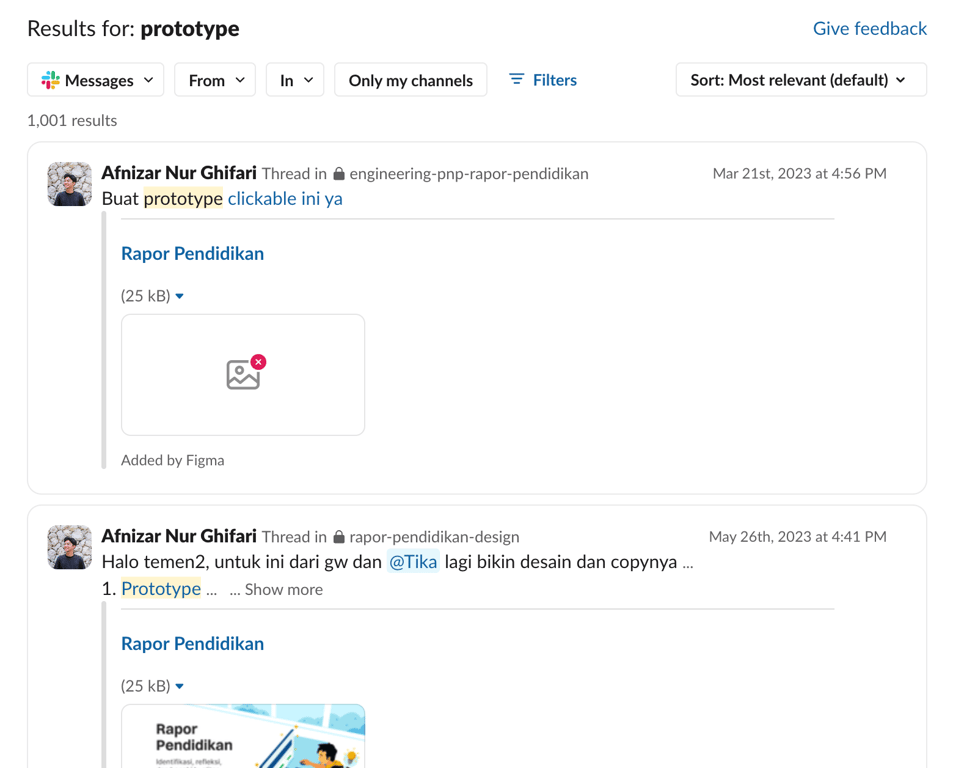
First, all this great prototype work was invisible to the rest of the team. A designer in one tribe had no way of knowing what another tribe had already figured out. We were constantly reinventing the wheel — rebuilding components of our design system, Seragam, solving the same interaction problems from scratch, every single time.
Second, not everyone is comfortable with AI-assisted prototyping yet. And honestly, that's fair. Getting AI to help you build something complex isn't just "ask and receive" it takes iteration, it takes knowing how to talk to it, and it has a real learning curve. Some designers were thriving with it. Others might be felt left behind.
Both problems pointed to the same thing: we needed a shared space. Not just for storage, but for inspiration, for show-and-tell, and for lowering the barrier to get started.
So I Built Sanggar
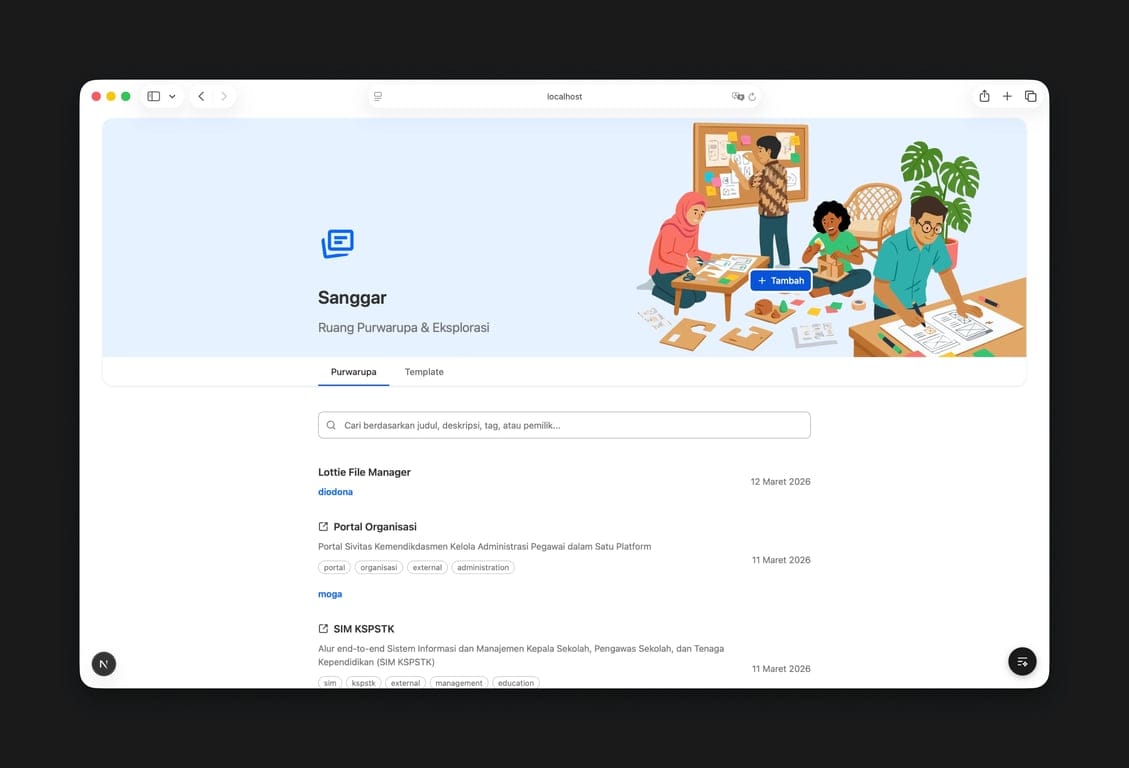
Sanggar — in Indonesian, it means a place, or a community space, where a group of people gather to explore and develop skills together, especially in art, culture, or craft. Informal, but feel intentional so I take this name for the project.
Sanggar is a simple Next.js app. Its purpose is straightforward: a place where designers can share the prototypes they've built, get inspired by what others have made, and have a home for all this work that currently exists nowhere.
But the part I'm most excited about is what sits underneath it.
Making AI Less Scary
The real question I was designing for was
how might we make this easy for someone who isn't comfortable with AI yet?
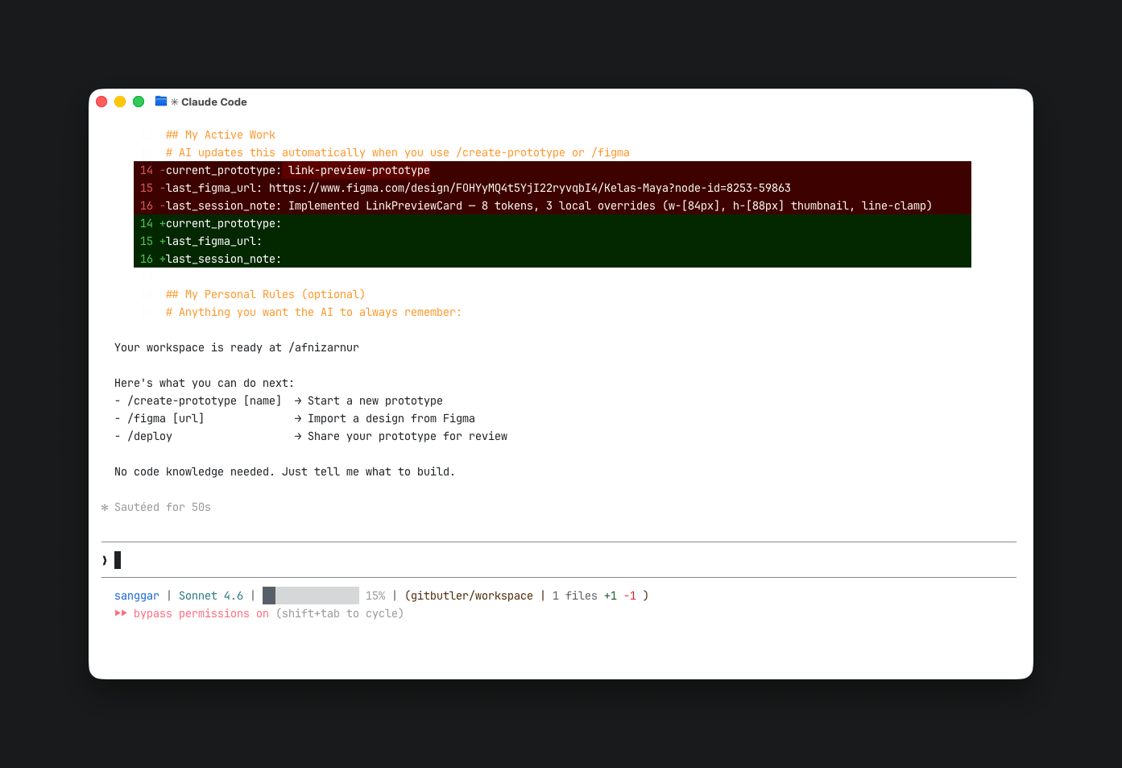
My answer was to remove as much of the setup friction as possible. I configured Claude contexts and commands so that when a designer sits down to start, the AI already knows how to help them. No blank page, no figuring out what to say.
Sanggar also ships with a set of built-in AI agent commands:
/startbegins a new prototype session/figmagenerates a design starting from a Figma file/deploypushes the prototype to production
The goal isn't to turn every designer into an engineer. It's to give them enough of a running start that the hard part becomes the creative work, not the setup.
Where It Is Now
Sanggar is still very early, premature, honestly. And… there's a lot it can't do yet, and a lot I'm still figuring out too.
But even at this stage, I believe in what it's trying to be: a place for designers to feel confident, to get inspired, and to know that the work they're doing has a home.
I'll be writing a more detailed piece on the process of building it, the decisions, the architecture, the things that didn't work. But this isn't that article. This is just me saying that thing exists, it's alive, and I'm hopeful about where it goes.
Read next
In Thoughts
Mana yang Lebih Worth It Figma MCP vs Figma Console MCP?
Dengan AI yang mulai merambah tidak hanya ke workflow developer tapi juga ke cara kerja desainer sehari-hari, ada satu pertanyaan yang sering muncul: Bagaimana...
In Thoughts
Design Is Not Enjoyable Anymore... or Is It?
Designing has never been faster. We can generate layouts in seconds. We can prototype entire flows in minutes. AI writes copy, suggests visuals, adjusts...